

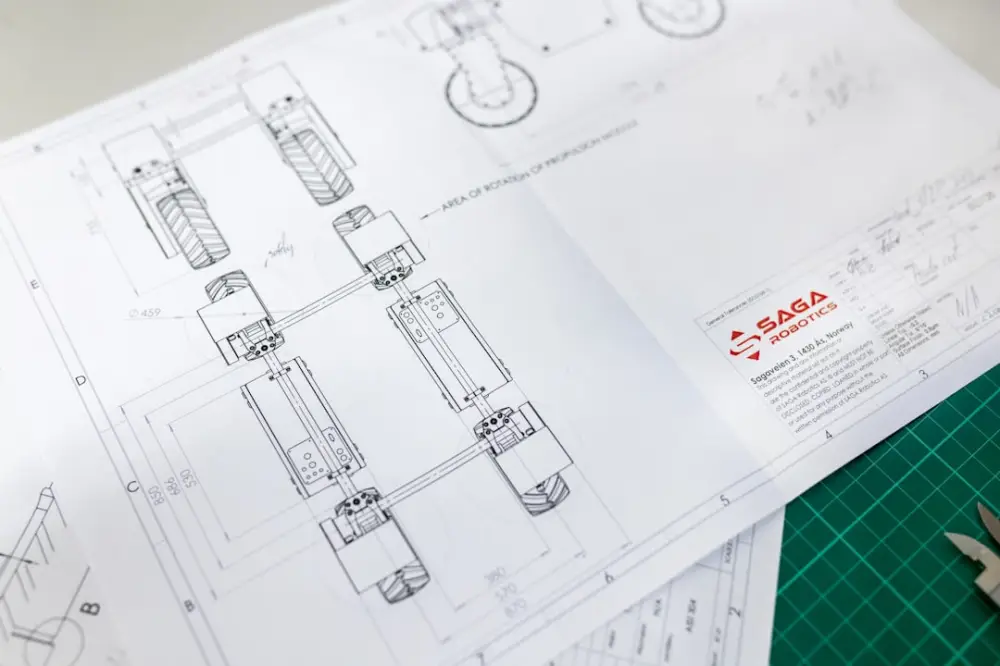
How precision in technical drawing actually helps reduce physical material waste
The Invisible Link Between Drafting and Sustainability
In the modern design landscape, the distance between a digital cursor and a physical landfill is shorter than many realize. As the 3D design industry pivots toward a sustainable future, the conversation often centers on bio-plastics, recycled resins, and energy-efficient hardware. However, a quieter, more fundamental shift is occurring within the technical drawing phase itself. Precision in technical drawing is no longer merely a mark of professional competence; it is emerging as a critical environmental imperative.
These technical habits are just one component of a broader effort to implement sustainable 3D design workflows that minimize environmental impact throughout the product lifecycle.
For decades, the design process was characterized by a certain degree of 'slack.' If a part didn’t fit, it was filed down or discarded. In the era of mass production and rapid prototyping, this 'trial and error' culture has led to an accumulation of industrial waste that the planet can no longer afford. Today, we are observing a trend where the meticulousness of the digital blueprint serves as the primary defense against material excess. By refining the accuracy of a drawing before it ever touches a 3D printer or a CNC machine, designers are effectively designing waste out of the system.
The Cost of Tolerance Errors
One of the most significant contributors to physical waste is the failure of components to integrate correctly during the assembly phase. This is often the result of poor tolerance management in the initial technical drawing. When a designer fails to account for the physical realities of material expansion, machine deviation, or the 'fit' between moving parts, the result is a non-functional object that is destined for the scrap bin.
High-precision technical drawing utilizes Geometric Dimensioning and Tolerancing (GD&T) to communicate exactly how much variation is permissible. When these standards are applied with surgical accuracy, the need for 'safety margins'—which often involve using more material than necessary—evaporates. We are seeing a move toward 'Lean Drafting,' where every line and dimension is scrutinized for its impact on the final physical volume of the product. This precision ensures that the first version produced is the final version used, bypassing the traditional cycle of discarded prototypes.
The End of the 'Prototyping Pile'
Historically, the path to a finished product was paved with failed iterations. Designers would print or mill several versions of a concept to 'see how it feels' or 'check the fit.' While prototyping is essential, the lack of precision in early-stage drawings often meant that many of these iterations were unnecessary. They were essentially physical manifestations of digital uncertainty.
By mastering advanced technical drawing techniques, designers can now perform complex simulations within their CAD software. They can test stress points, load-bearing capacities, and mechanical clearances with such accuracy that the physical prototype becomes a confirmation rather than a discovery. This shift from 'guesswork' to 'certainty' significantly reduces the consumption of filaments, resins, and metals during the development phase.
Material Optimization Through Algorithmic Accuracy
Precision isn't just about making things fit; it's about making things thinner, lighter, and smarter. In the editorial observation of current design trends, there is a clear movement toward 'generative design' and 'topological optimization.' These processes rely on extreme precision in the initial technical constraints. When a designer can accurately define the forces acting upon a part, software can remove every milligram of material that isn't strictly necessary for structural integrity.
This 'subtractive' mindset in the drawing phase leads to 'additive' benefits in the physical world. A part that is 20% lighter due to precise technical drafting requires 20% less raw material to produce, consumes less energy to transport, and creates less waste at the end of its lifecycle. This is where the artistry of the technical drawer meets the logic of the environmentalist.
Key Habits for Waste-Reducing Technical Design
To bridge the gap between digital precision and physical sustainability, designers are adopting a new set of standards. These habits focus on the 'clean' innovation that defines the next generation of 3D design:
- Rigorous Tolerance Analysis: Calculating the 'stack-up' of tolerances to ensure that even with machine variance, parts fit perfectly the first time.
- Digital Assembly Testing: Utilizing 3D motion studies to identify collisions and interference before any material is committed.
- Optimized Nesting: In technical drawings for sheet-based manufacturing, precision in layout (nesting) ensures the maximum number of parts are cut from a single piece of material, minimizing off-cuts.
- Material-Specific Drafting: Adjusting dimensions based on the specific shrinkage or expansion rates of the intended sustainable material, such as PLA or recycled composites.
- Standardization of Components: Using precise drawings to incorporate standardized, reusable parts rather than custom-molding new components for every iteration.
The Cultural Shift Toward Precision
The transition toward high-precision technical drawing reflects a broader cultural shift within the design community. We are moving away from the 'move fast and break things' ethos that defined the early digital age. In its place is a more thoughtful, journalistic approach to design—one that values the 'why' and 'how' as much as the 'what.'
At CleanGreen 3D, we observe that the most successful designers are those who view their technical drawings as a contract with the environment. A precise drawing is a promise that no unnecessary material will be consumed. As manufacturing technologies like 3D printing become more accessible, the responsibility of the designer grows. When everyone has a factory on their desk, the quality of the technical drawing becomes the only gatekeeper against a surge of plastic waste.
Conclusion: The Future is Exact
Precision in technical drawing is often viewed as a dry, academic requirement of the engineering world. However, when viewed through the lens of sustainability, it becomes one of the most powerful tools in a designer’s arsenal. By eliminating the 'tolerance for error,' we eliminate the waste that error produces. The future of clean innovation does not just lie in better materials or faster machines; it lies in the meticulous accuracy of the lines we draw today. As we refine our digital craft, we move closer to a world where every gram of material used is a gram of material intended, creating a leaner, greener, and more efficient design ecosystem.

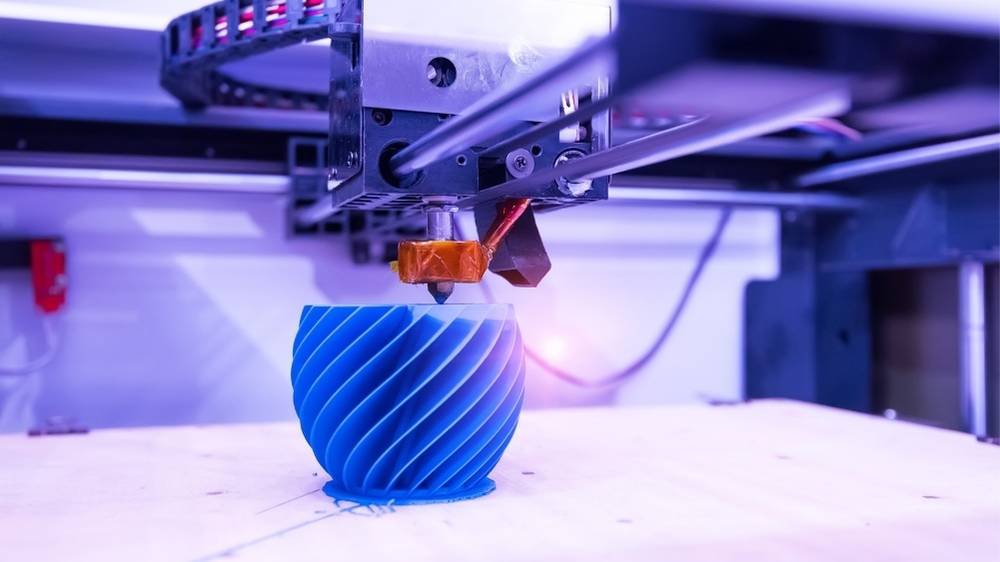
Smart 3D Design Tips for Cleaner and More Efficient Results
Efficiency is essential in modern 3D design. Whether working on architectural visualization, product concepts, or digital environments, cleaner workflows lead to faster rendering, improved collaboration, and more consistent results.
By adopting smart 3D design practices, teams can reduce unnecessary complexity, minimise waste, and produce high-quality outcomes more efficiently. Here are practical tips to help streamline your 3D workflow and achieve cleaner, more professional results.
Why Clean 3D Design Workflows Matter
Messy models and unstructured files can slow down production and create avoidable issues. Clean 3D design helps:
- Improve rendering performance
- Reduce file sizes
- Simplify revisions
- Enhance collaboration
- Minimise workflow errors
A well-organised project is easier to manage and scale.
1. Start with Proper Scene Organisation
A structured scene makes everything easier to manage.
Best practices include:
- Naming objects clearly
- Grouping related elements
- Using layers or collections
- Keeping hierarchy organised
Good organisation prevents confusion and saves time later.
2. Keep Geometry Clean and Optimised
Unnecessary geometry increases file size and slows performance.
To improve efficiency:
- Remove hidden or unused objects
- Reduce excessive subdivisions
- Avoid overlapping geometry
- Use instancing for repeated elements
Clean geometry improves both speed and stability.
3. Use Consistent Naming Conventions
Consistent naming helps teams work faster and avoid mistakes.
For example:
- Chair_01
- Wall_Main
- Light_Key
- Camera_Final
This becomes especially important in collaborative environments.
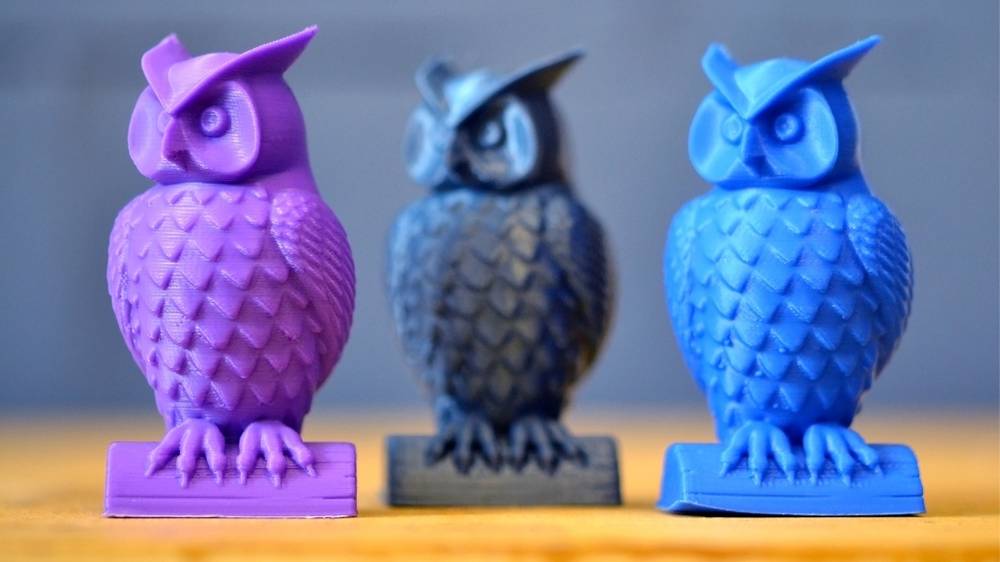
4. Optimise Your Poly Count
High polygon counts are often unnecessary, especially for background elements.
Smart optimisation includes:
- Using low-poly models where possible
- Applying detail only where visible
- Using normal maps instead of geometry
- Simplifying distant assets
Efficient models render faster without sacrificing quality.
5. Manage Textures Efficiently
Large textures can slow down scenes and increase memory usage.
Improve texture efficiency by:
- Using appropriate resolutions
- Reusing texture maps
- Removing unused materials
- Compressing large files
Efficient textures lead to cleaner, lighter projects.
6. Use Instances Instead of Duplicates
Duplicating objects increases file size unnecessarily.
Instead:
- Use instancing for repeated assets
- Link objects across scenes
- Reuse modular components
This keeps files lighter and easier to update.
7. Work with Non-Destructive Modelling
Non-destructive workflows allow easy changes without rebuilding assets.
Examples include:
- Modifier stacks
- Procedural modelling
- Layer-based adjustments
- Linked assets
This improves flexibility and reduces rework.
8. Optimise Lighting Setup
Overly complex lighting setups can slow rendering.
To keep things efficient:
- Limit unnecessary light sources
- Use HDRI lighting where appropriate
- Optimise shadow quality
- Use light groups strategically
Cleaner lighting improves both performance and consistency.
9. Clean Up Your Scene Regularly
Over time, projects accumulate unused data.
Make it a habit to:
- Delete unused objects
- Remove hidden geometry
- Purge unused materials
- Clear temporary assets
Regular cleanup keeps your workflow efficient.
10. Use Render Tests Before Final Output
Rendering at full quality too early wastes time and resources.
Instead:
- Use low-resolution previews
- Test lighting and materials first
- Adjust sampling gradually
- Finalise only when ready
This approach saves both time and computing power.
Common Mistakes to Avoid
Avoid these common 3D workflow issues:
- Overly complex geometry
- Disorganised scenes
- Excessive texture sizes
- Duplicate assets
- Rendering too early at full quality
Fixing these issues can dramatically improve efficiency.
Benefits of Cleaner 3D Design Workflows
Adopting smart 3D design practices leads to:
- Faster rendering times
- Reduced file sizes
- Easier collaboration
- Fewer workflow errors
- More scalable projects
Cleaner workflows create better results with less effort.
Final Thoughts
Smart 3D design is about working efficiently without sacrificing quality. By keeping scenes organised, optimising geometry, and streamlining rendering, you can achieve cleaner and more professional results.
These small improvements add up—helping teams produce high-quality 3D work faster, with less waste and greater consistency.
How Sustainable Materials Are Changing 3D Innovation
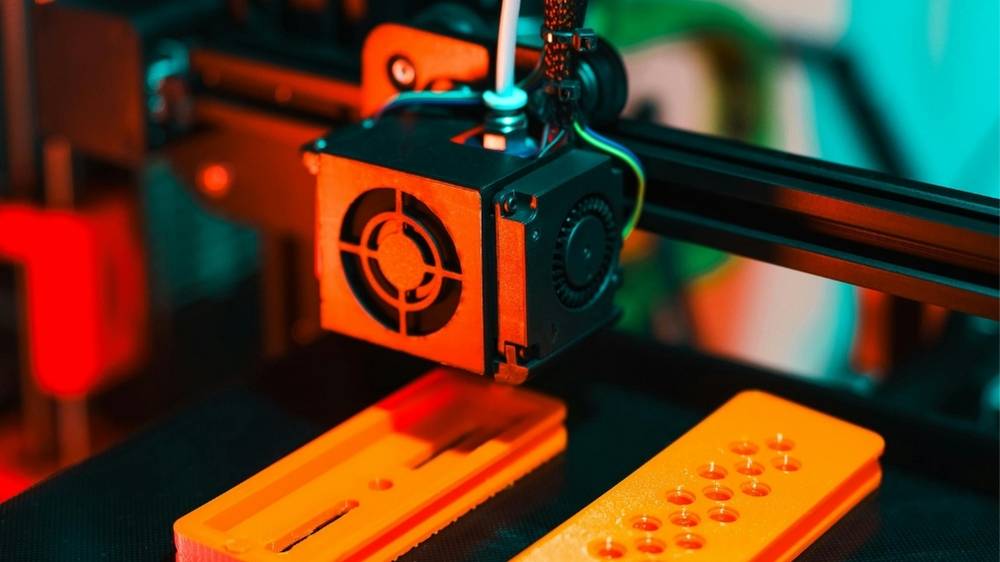
Sustainability is rapidly reshaping the world of 3D design, visualization, and manufacturing. As industries move toward environmentally responsible practices, sustainable materials are becoming a key driver of innovation across modern 3D workflows.
From eco-friendly prototyping to responsible product visualization, the shift toward sustainable materials is helping designers reduce waste, improve efficiency, and create more future-focused solutions.
In this article, we explore how sustainable materials are transforming 3D innovation and why they matter for modern design processes.
What Are Sustainable Materials in 3D Design?
Sustainable materials are resources that reduce environmental impact throughout their lifecycle. In 3D innovation, this can include materials used for prototyping, visualization references, manufacturing concepts, and design planning.
Common examples include:
- Recycled plastics
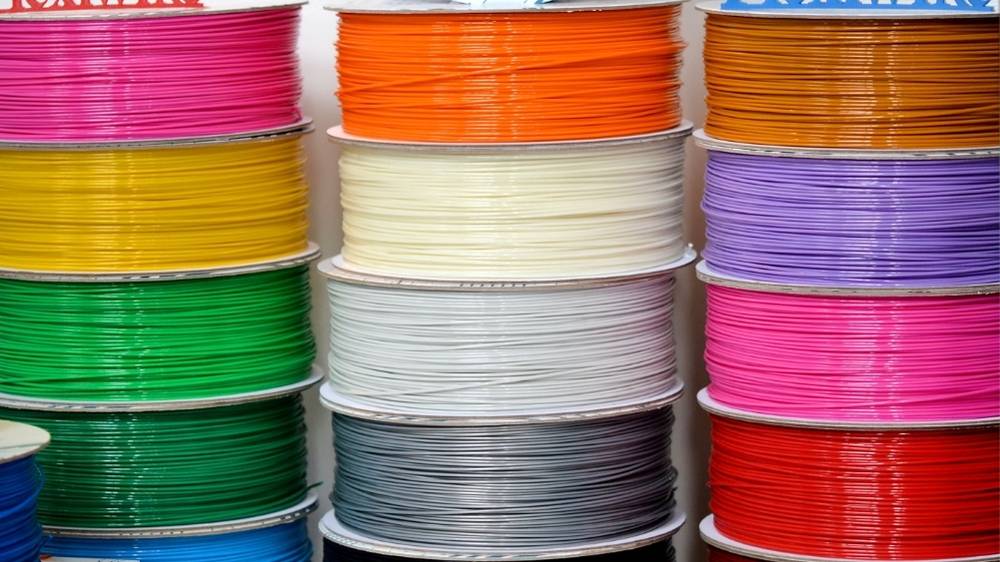
- Biodegradable filaments
- Plant-based materials
- Reclaimed composites
- Low-impact production materials
These options help reduce waste while maintaining performance and flexibility.
The Growing Demand for Sustainable 3D Solutions
As sustainability becomes a priority across industries, designers are expected to consider environmental impact during development.
Key drivers include:
- Environmental regulations
- Corporate sustainability goals
- Consumer demand for eco-friendly products
- Reduced material waste in prototyping
- More efficient production planning
Sustainable materials support all of these objectives.
1. Reducing Waste in Prototyping
Traditional prototyping often involves multiple iterations, which can generate significant material waste.
Sustainable materials allow designers to:
- Use biodegradable prototypes
- Recycle failed prints
- Reduce material consumption
- Test concepts responsibly
This makes the prototyping phase more efficient and environmentally conscious.
2. Enabling Circular Design Thinking
Sustainable materials encourage a circular design approach—where materials are reused, recycled, or repurposed.
This supports:
- Closed-loop production
- Reusable components
- Reduced landfill waste
- Longer material lifecycles
Circular thinking is becoming a core part of modern 3D innovation.
3. Supporting Eco-Friendly Product Development
Designers can now visualize and develop products using materials that reflect sustainable manufacturing goals.
This helps teams:
- Plan environmentally responsible products
- Test sustainable concepts earlier
- Align with sustainability strategies
- Reduce redesign during production
Sustainable materials improve both planning and execution.
4. Improving Efficiency in Design Workflows
Sustainable materials often go hand-in-hand with smarter workflows.
Benefits include:
- Reduced reprints
- Less material waste
- Optimised design testing
- More efficient iterations
These improvements save time while supporting sustainability.
5. Encouraging Innovation in Material Technology
The rise of sustainable materials is driving rapid innovation.
Examples include:
- Bio-based polymers
- Recycled composite materials
- Low-energy manufacturing materials
- Lightweight eco-friendly structures
These advancements expand what’s possible in 3D design.
6. Enhancing Collaboration Across Teams
Sustainability goals often require cross-team collaboration.
Using sustainable materials helps:
- Align designers and engineers
- Support environmental initiatives
- Improve communication with stakeholders
- Demonstrate responsible innovation
This creates a more cohesive design process.
7. Reducing Environmental Impact of Iteration
3D design typically involves multiple revisions. Sustainable materials make iteration less wasteful.
This leads to:
- Lower resource consumption
- Reduced disposal needs
- More responsible experimentation
- Better lifecycle planning
Iteration remains flexible without unnecessary environmental cost.
8. Future-Proofing 3D Design Practices
Sustainability is no longer optional—it’s becoming a standard expectation.
Adopting sustainable materials helps:
- Prepare for future regulations
- Meet client sustainability goals
- Improve brand credibility
- Stay competitive in evolving markets
Forward-thinking teams are already making the shift.
Best Practices for Using Sustainable Materials
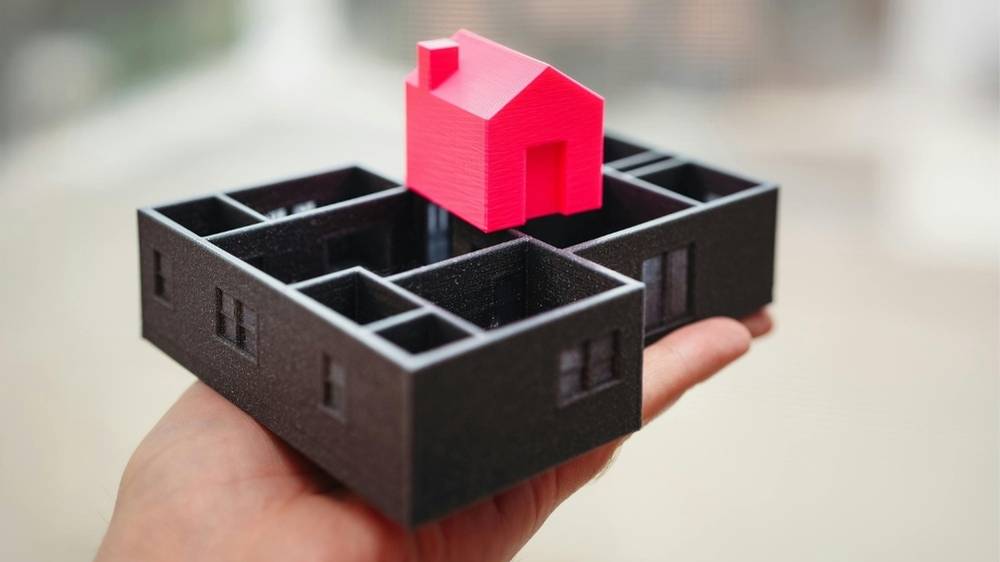
To maximize impact, consider these strategies:
- Choose recyclable or biodegradable options
- Minimise material usage through efficient design
- Reuse prototype materials when possible
- Plan iterations carefully
- Combine sustainable materials with efficient workflows
Small improvements can deliver significant results.
Common Mistakes to Avoid
When transitioning to sustainable materials, avoid:
- Using eco-friendly materials without workflow optimisation
- Ignoring lifecycle impact
- Overproducing prototypes
- Not testing material performance
- Treating sustainability as an afterthought
A balanced approach ensures real benefits.
Final Thoughts
Sustainable materials are transforming the future of 3D innovation. By reducing waste, supporting circular design, and encouraging smarter workflows, these materials enable designers to create responsibly without sacrificing quality.
As sustainability continues to shape modern industries, integrating eco-friendly materials into 3D processes is becoming essential. The result is more efficient workflows, reduced environmental impact, and stronger long-term innovation.
10 Ways to Reduce Waste in Modern 3D Design Workflows
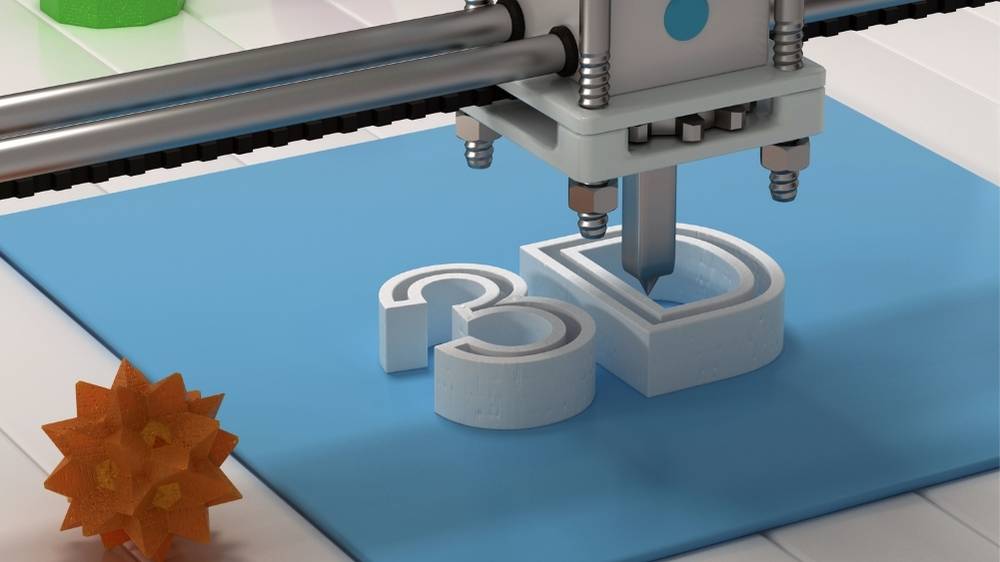
As 3D design and visualization continue to evolve, efficiency and sustainability are becoming increasingly important. From architecture and product design to digital visualization and rendering, modern 3D workflows can consume significant computing power, storage, and resources.
Reducing waste in 3D design workflows not only improves sustainability but also enhances productivity, lowers operational costs, and streamlines collaboration. Here are ten practical ways to reduce waste while maintaining high-quality results.
1. Optimise File Sizes and Geometry
Heavy models with unnecessary polygons slow down workflows and increase storage demands.
Best practices:
- Remove unused geometry
- Reduce polygon count where possible
- Use instancing instead of duplicating assets
- Simplify background elements
Optimised models render faster and reduce computational waste.
2. Use Efficient Rendering Settings
Rendering at unnecessarily high settings wastes time and energy.
To reduce waste:
- Lower test render resolution
- Use draft mode for previews
- Adjust sampling strategically
- Render final output only when ready
This approach saves both computing resources and production time.
3. Implement Asset Libraries
Recreating assets repeatedly is inefficient and wasteful.
Create reusable libraries for:
- Materials
- Textures
- Models
- Lighting setups
Reusable assets speed up workflows and reduce redundant work.
4. Adopt Non-Destructive Workflows
Non-destructive design allows you to make changes without restarting from scratch.
Use:
- Modifiers instead of destructive edits
- Layer-based workflows
- Version-controlled assets
- Procedural tools
This reduces rework and prevents unnecessary duplication.
5. Optimise Texture Usage
Large textures can quickly increase file sizes and slow performance.
Reduce waste by:
- Using compressed textures
- Limiting resolution where possible
- Reusing texture maps
- Removing unused materials
Efficient texture management improves both speed and sustainability.
6. Reduce Iteration Waste with Clear Planning
Frequent major revisions can waste time and resources.
Improve efficiency by:
- Defining scope early
- Using low-fidelity mockups first
- Getting approvals before high-quality rendering
- Creating visual style guides
Planning reduces unnecessary redesign cycles.
7. Use Cloud Collaboration Efficiently
Cloud workflows can become wasteful if poorly managed.
To optimise:
- Remove outdated versions
- Use structured folder systems
- Avoid duplicating large files
- Share linked assets instead of copies
Efficient collaboration reduces storage waste and confusion.
8. Automate Repetitive Tasks
Manual repetition leads to wasted time and inconsistencies.
Consider automating:
- Batch rendering
- File naming
- Export settings
- Asset organisation
Automation streamlines workflows and reduces human error.
9. Choose Energy-Efficient Hardware Settings
Rendering and simulations can consume significant power.
Improve efficiency by:
- Scheduling renders during off-peak times
- Using GPU rendering when appropriate
- Optimising render engines
- Turning off unused hardware
Energy-efficient workflows support sustainability goals.
10. Archive and Clean Projects Regularly
Old project files often contain unused assets and duplicates.
Create a maintenance routine:
- Archive completed projects
- Remove temporary files
- Delete unused textures
- Compress final deliverables
Regular cleanup keeps workflows lean and efficient.
Benefits of Reducing Waste in 3D Design
Optimising your workflow offers multiple advantages:
- Faster rendering times
- Reduced storage requirements
- Lower energy consumption
- Improved collaboration
- More scalable production pipelines
Small improvements can lead to significant long-term gains.
Common Workflow Waste to Avoid
Watch out for these common inefficiencies:
- Overly high render settings during early stages
- Duplicated assets across projects
- Uncompressed textures
- Disorganised file structures
- Excessive versioning without cleanup
Identifying these issues can dramatically improve efficiency.
Final Thoughts
Reducing waste in modern 3D design workflows is about working smarter, not harder. By optimising assets, improving planning, and streamlining collaboration, teams can create high-quality work while minimizing unnecessary resource use.
Sustainable 3D workflows don’t just benefit the environment—they also improve speed, clarity, and overall project success.